Dynamic artwork. Effortless automation.
Design once. Create every variant.
Turn product data into artwork across products, languages and formats. Save time on repetitive edits and keep results consistent with the same design rules.
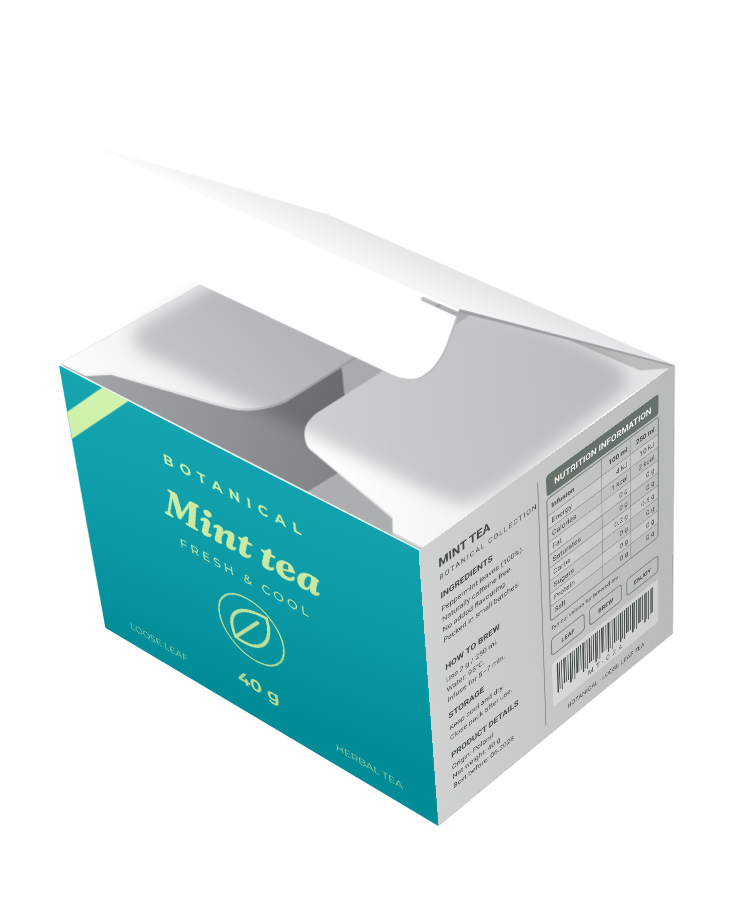
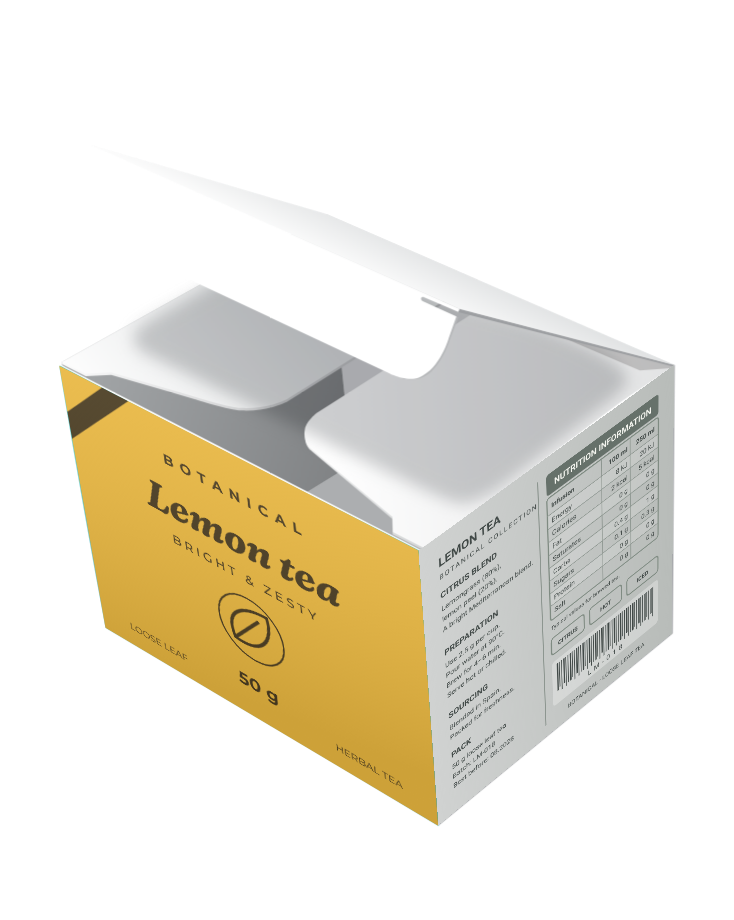
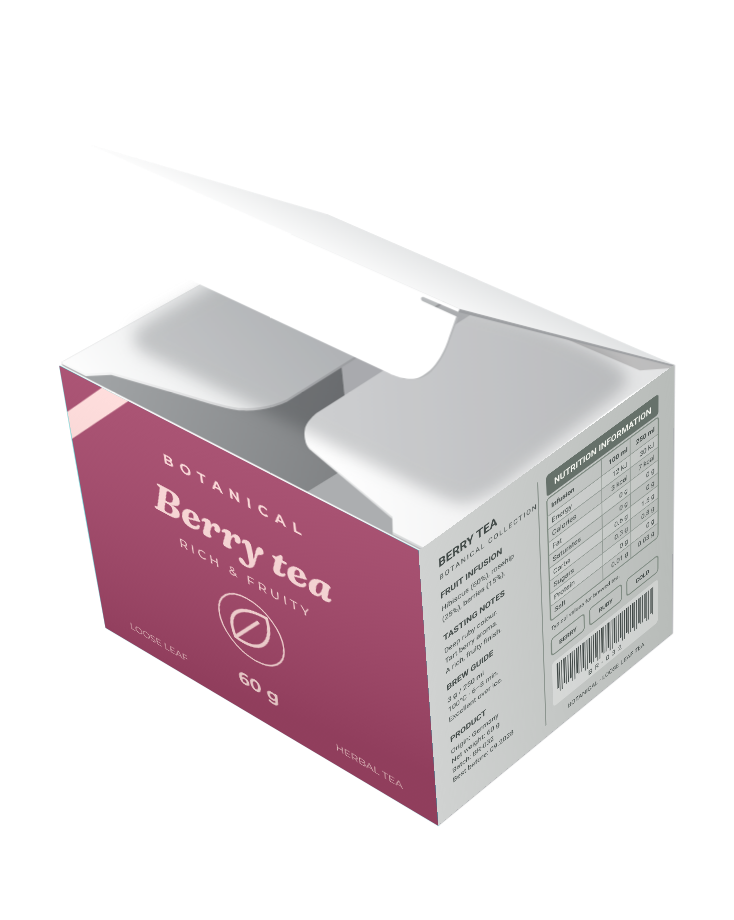
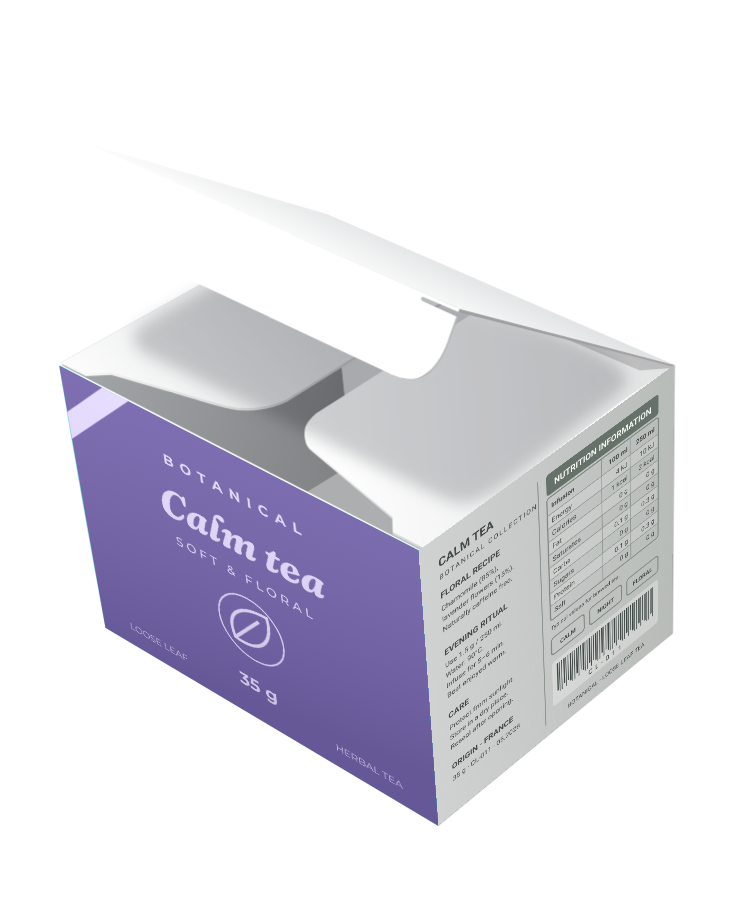

You design. We handle the routine.
Use the Paqira Plugin inside Adobe Illustrator. Let your artwork adapt to changing data while you focus on design.
Try the Illustrator Plugin
End-to-end artwork automation
Connect shared content, production workflows and review. Keep every version under control with Manager and Workstation.
Explore the automation systemSee Paqira in action
Your design. Your data. Working together.
Start in Adobe Illustrator with the Plugin. Connect your content and scale your workflow with Manager, saving time on repetitive edits while every variant follows the same design rules.
Illustrator today. Web and Figma planned.
Create artwork that adapts as your data changes
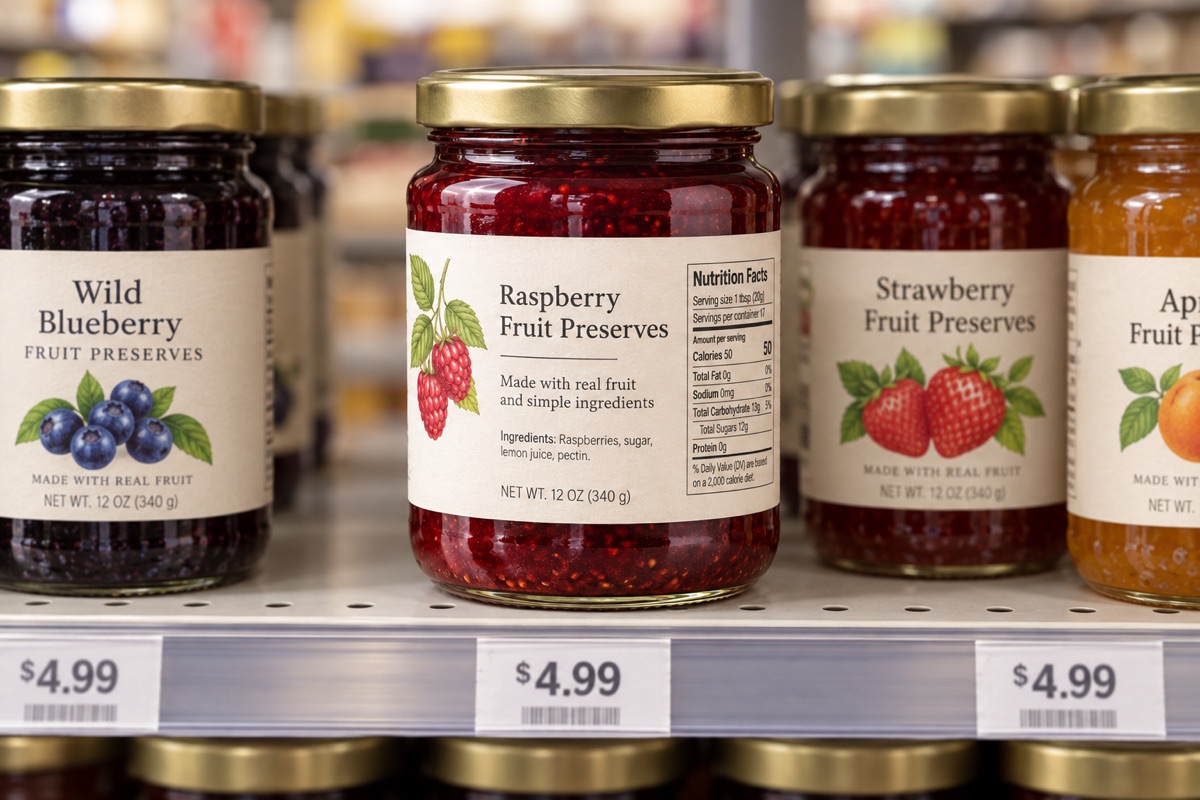
Packaging variants
Different markets, languages and product versions.
Explore use case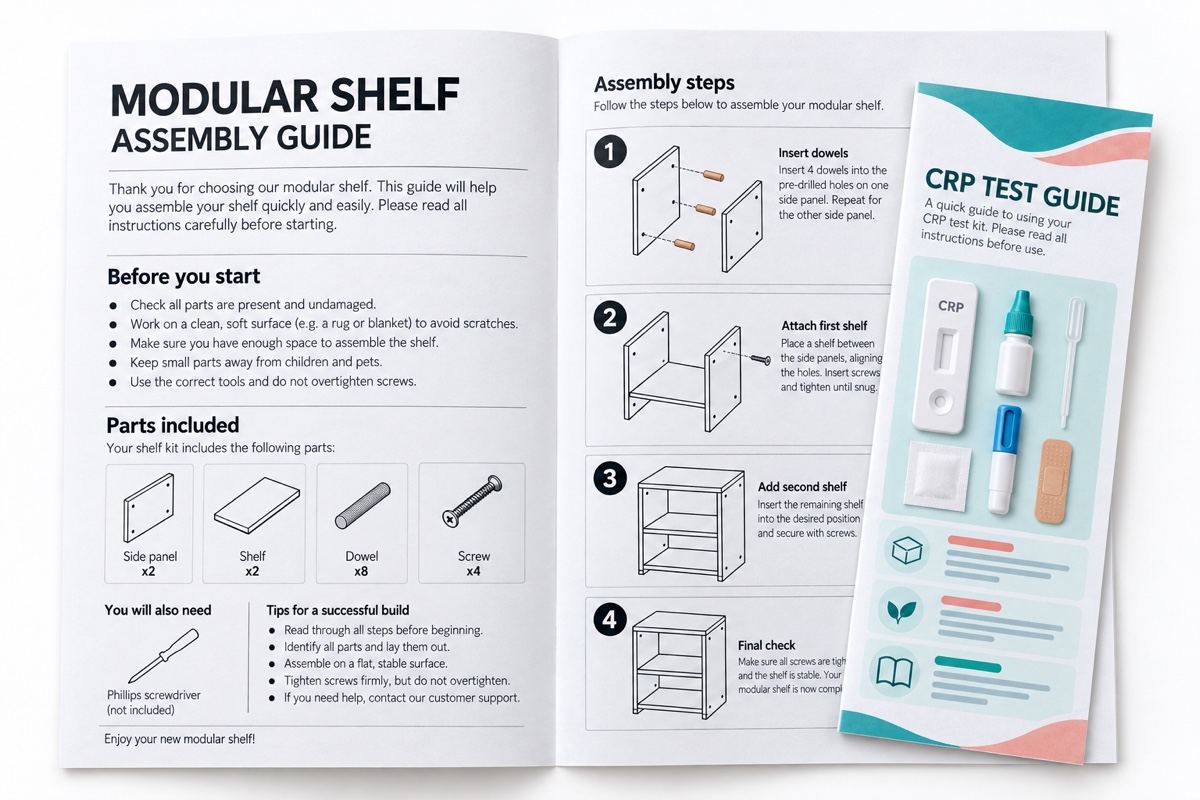
Product guides and instructions
From simple text leaflets to illustrated guides.
Explore use case
Personalized materials
Artwork tailored to each person, customer or organization.
Explore use case
Collections from data
Reusable designs for collections with changing content.
Explore use case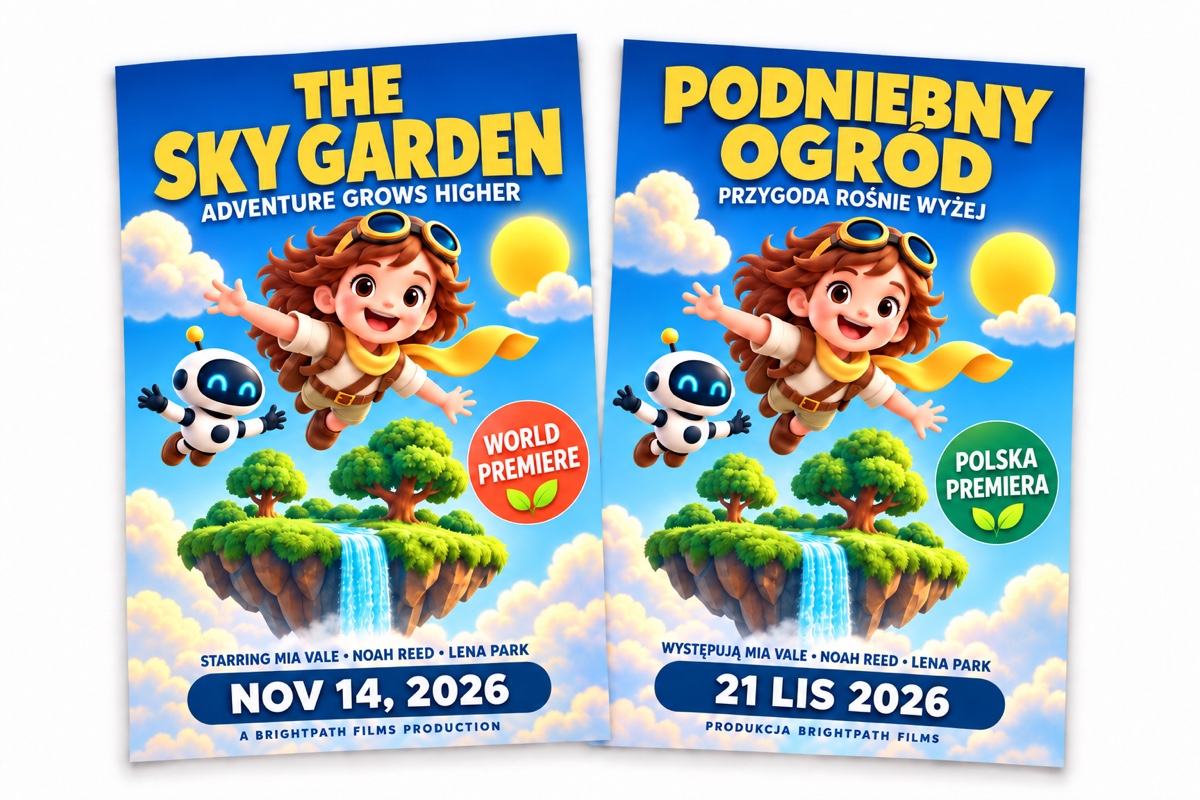
Posters and campaign variants
One creative direction, many content versions.
Explore use caseYour workflow. Connected.
From shared content to finished artwork
Bring data and production together in Manager. Build reusable workflows and run them in Illustrator on your own computers with Workstation.
What you can do
Everyday artwork tools inside Adobe Illustrator
Connect your Illustrator document to product data and reusable Design Scripts. Prepare new versions without repeating the same edits.
What you can do
We could not find a download for this device. Try again later or choose another available version below.
Paqira Design Script
A simple language for designers, artists and artwork teams.
Connect data to your design with readable rules. Set how text, sizes and positions adapt, then reuse those rules with new content in Illustrator.
Set the rules once. Save time on future updates and keep results consistent as your content changes.
Calculations
Calculate dimensions, spacing and positions using formulas and measurements from your artwork.
Use your data
Insert product text and values, repeat elements for a list of items and choose what to show based on your data.
Create and update artwork
Create text and shapes, update existing elements and set their colors, sizes and positions.
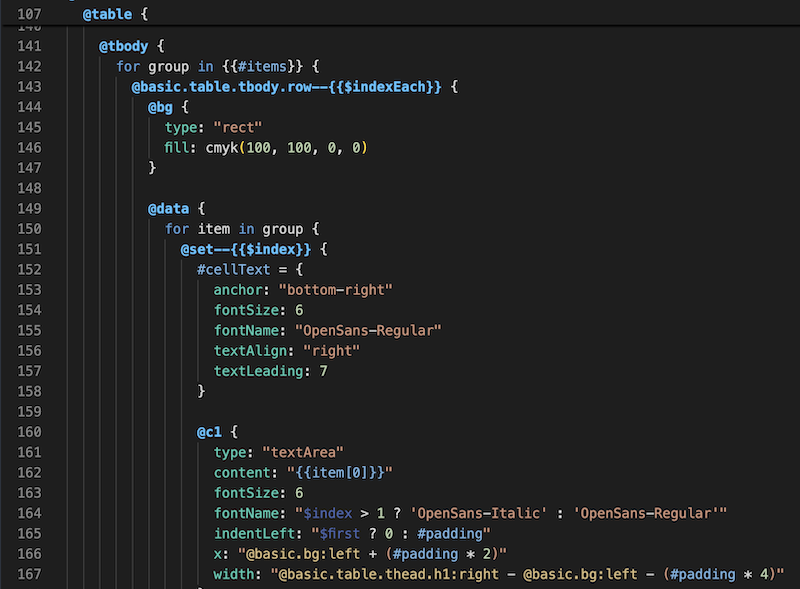
Design once. Reuse, automate and review.
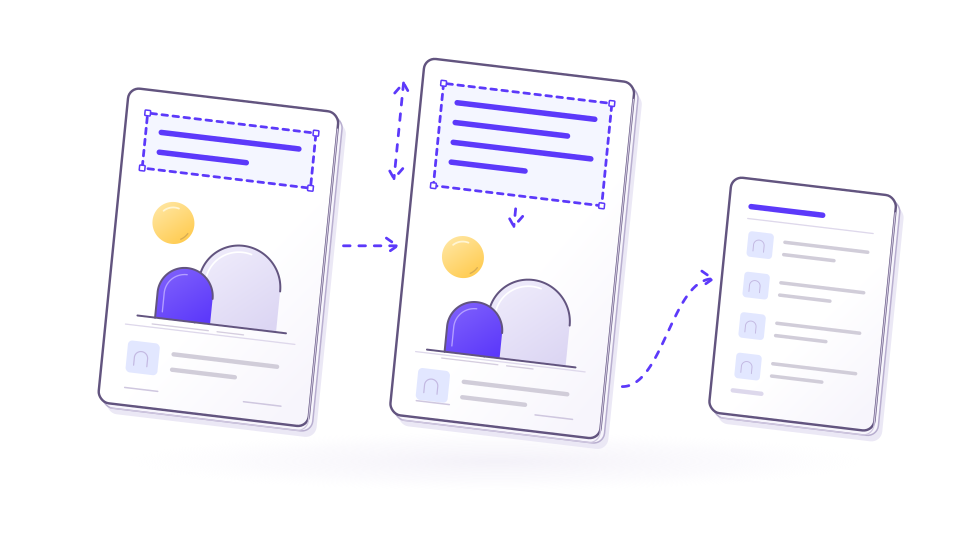
Layouts that follow your content
Let layouts adapt when text grows or content changes.

Reusable artwork snippets
Build an artwork element once. Reuse it across projects and keep updates connected.
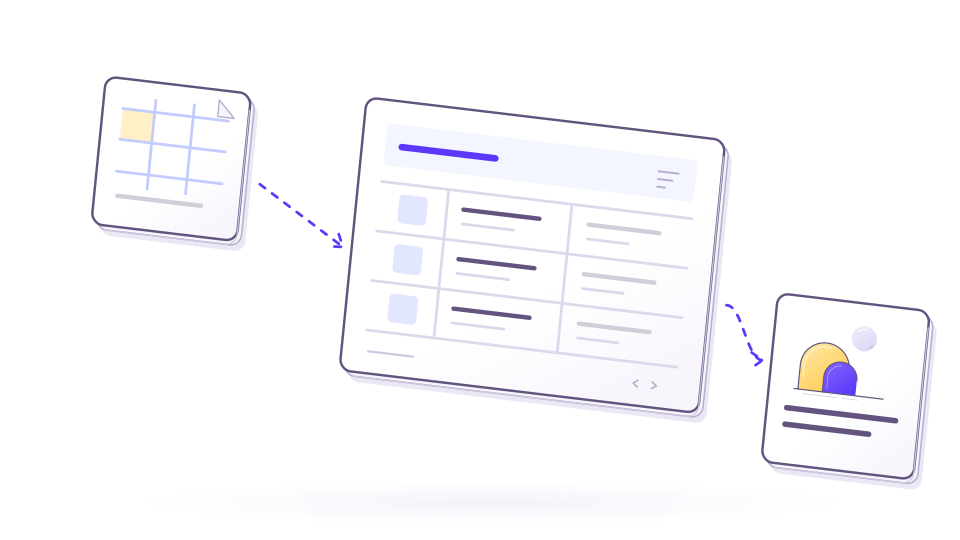
Your content in one place
Keep product data and language versions together, ready for your artwork.

One item, many variants
Create versions for different products, markets and languages from the same design.
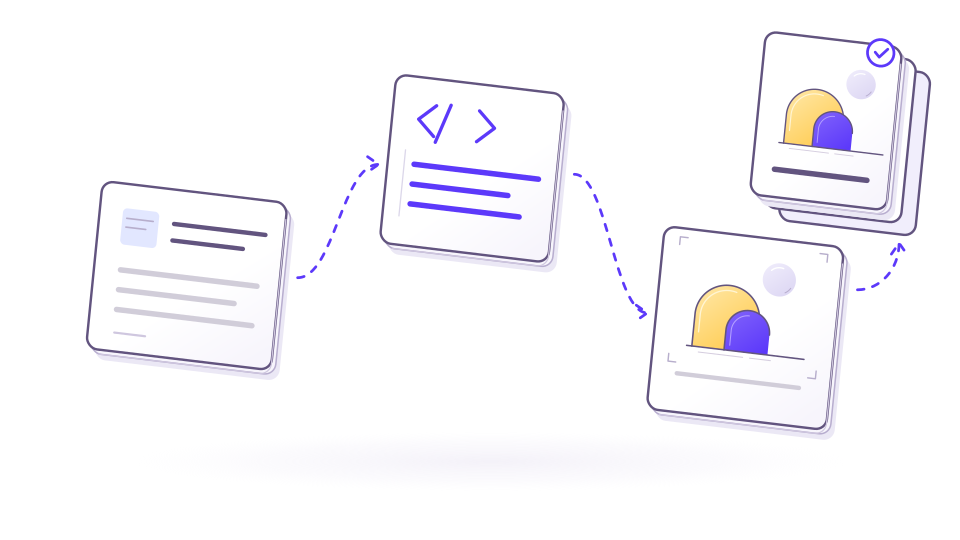
Repeatable production, from one item to a batch
Prepare a production workflow once, then run individual items or entire collections.

Clear feedback, fewer scattered conversations
Share previews and collect feedback on the exact artwork being reviewed.
Support for the system, the plugin and what comes next.
System support
Help with workflows, workers, API usage, data mapping and production blockers.
Plugin support
Guidance for Illustrator setup, syntax, file updates and artwork-specific edge cases.
Custom improvements
Rules, integrations and generation steps can be adapted to your real process.
Product ideas
We are open to improvement proposals when they make automation more useful.